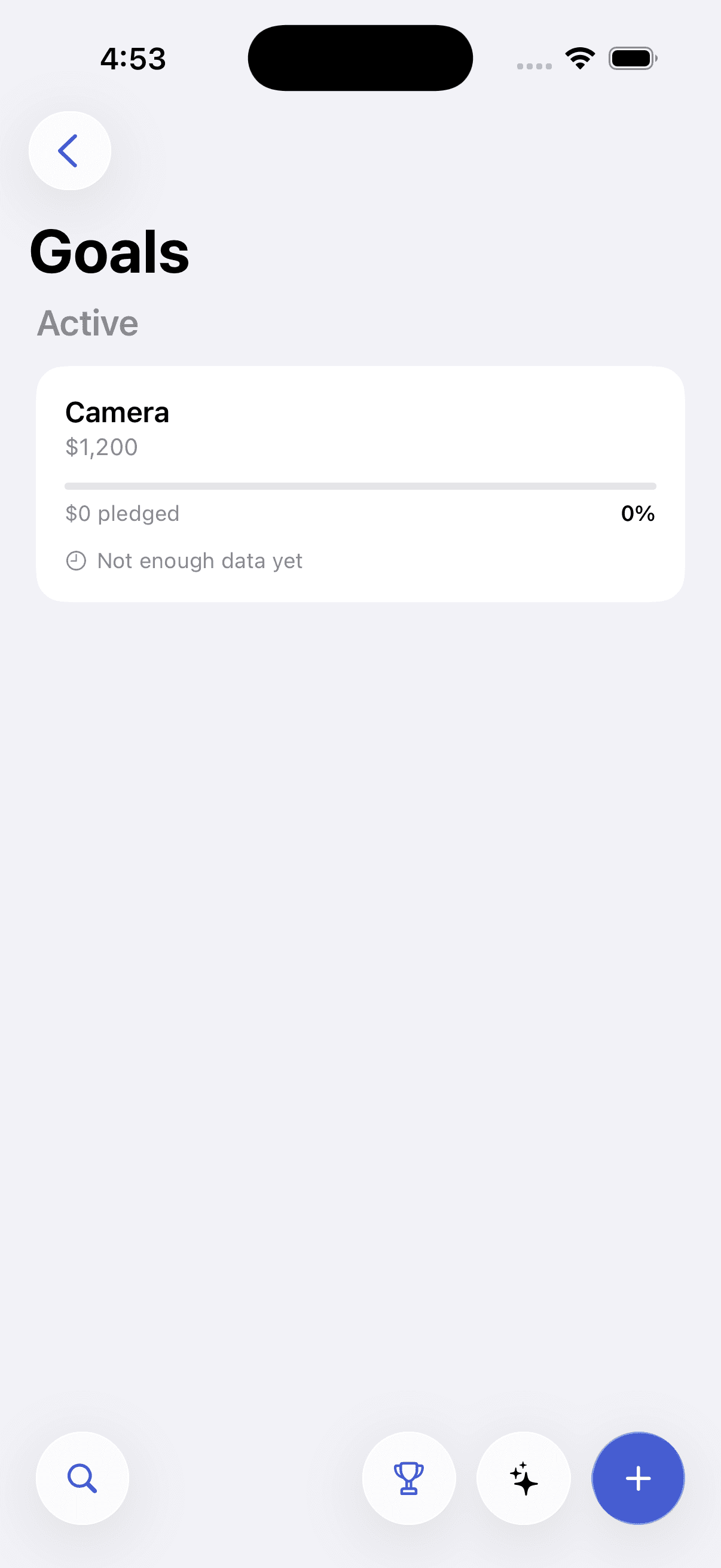
Pursly for iOS
Track every expense, right from your pocket — a native app that logs, categorizes, and adds up your spending while you're still standing at the counter.
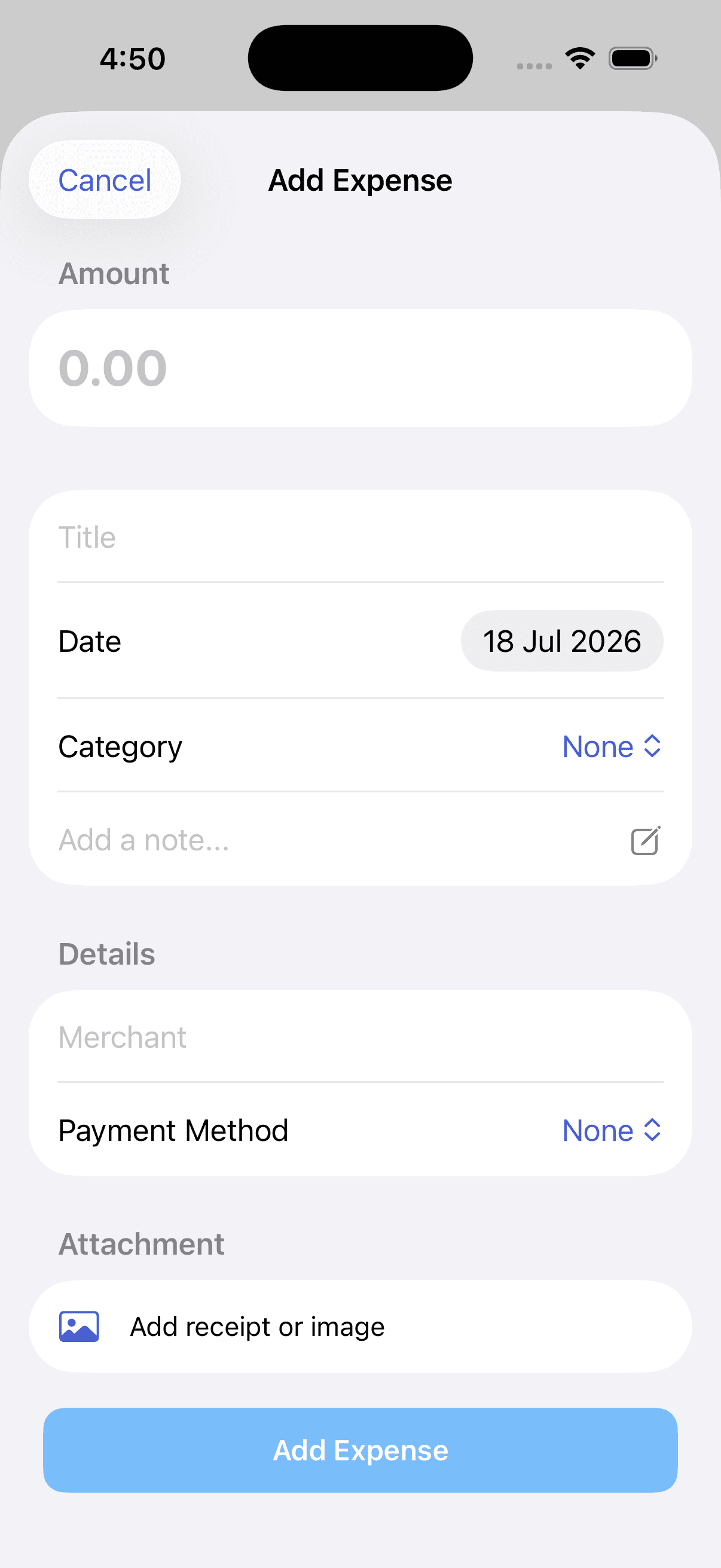
- Log an expense in under 10 seconds, in any currency
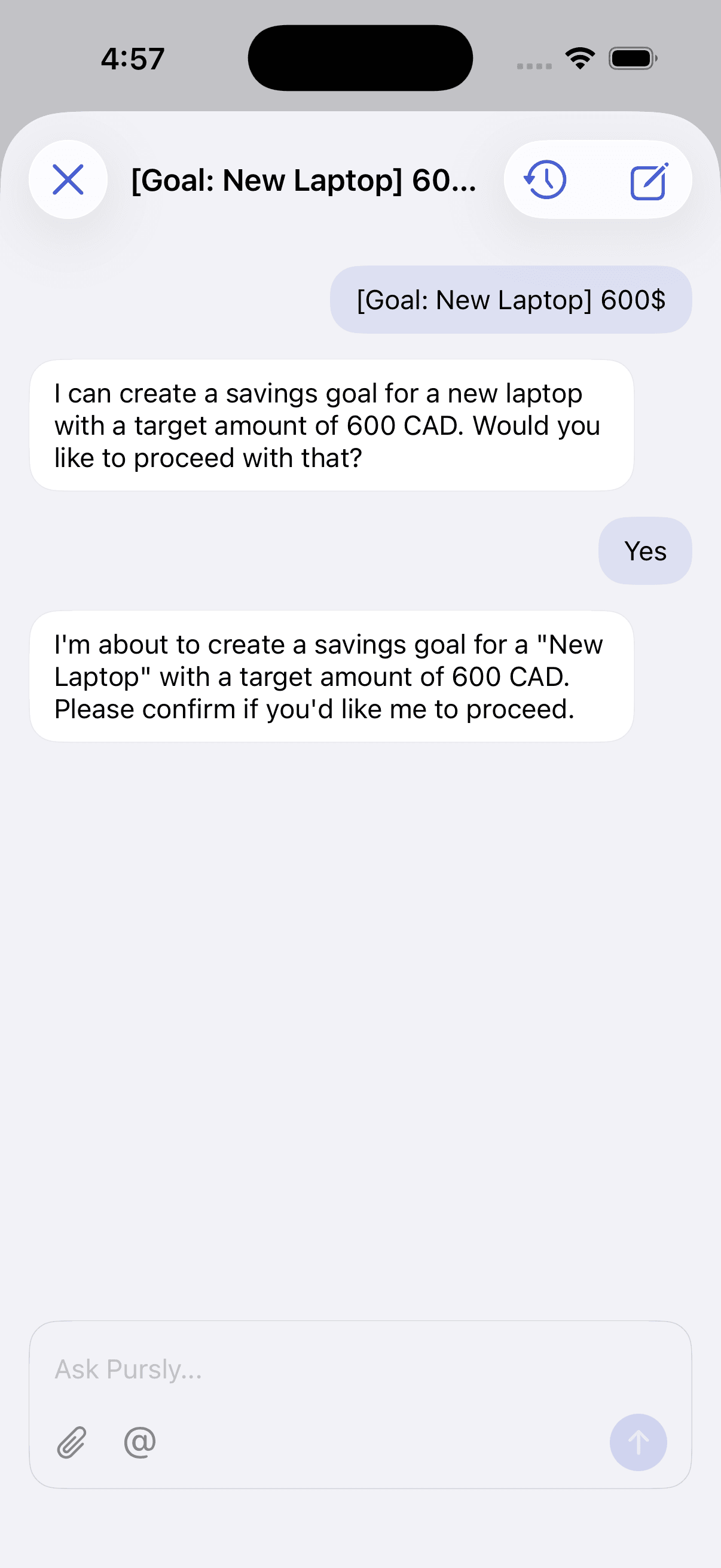
- Ask the AI to add, edit, or explain a transaction in plain language
- Connect Gmail and receipts get logged for you
- Same account as the web app — everything stays in sync
Free download · Requires iOS 17 · Syncs with the web app
Why the iOS app
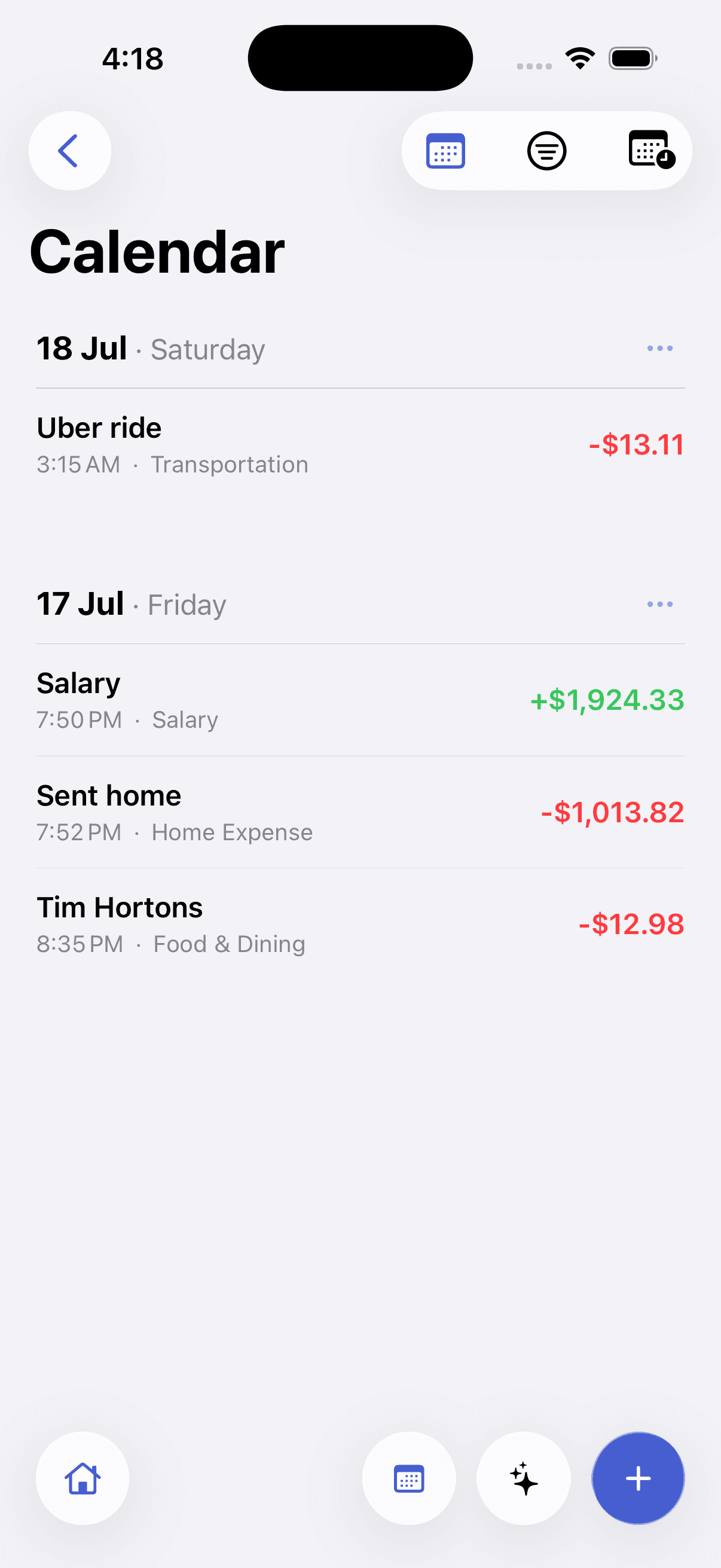
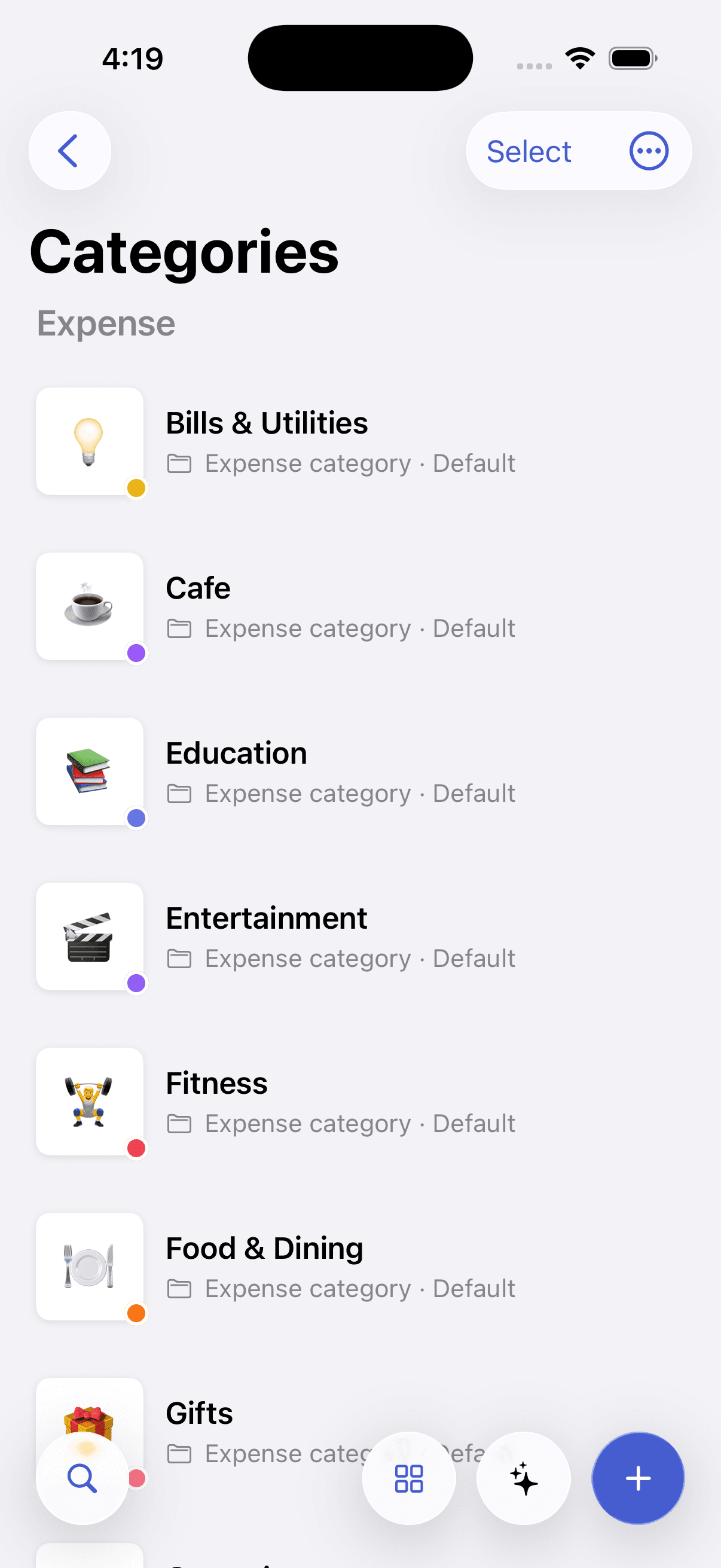
Filter and calculate
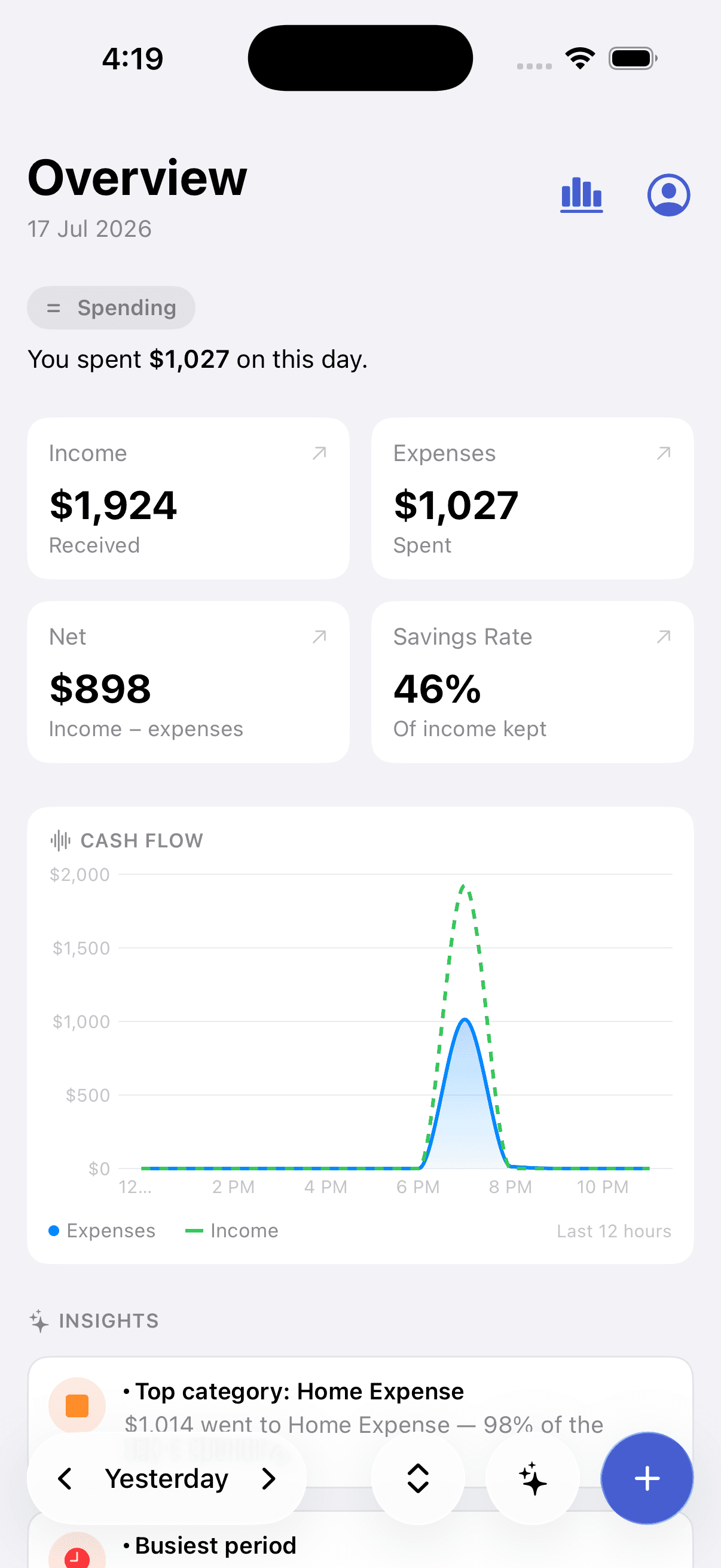
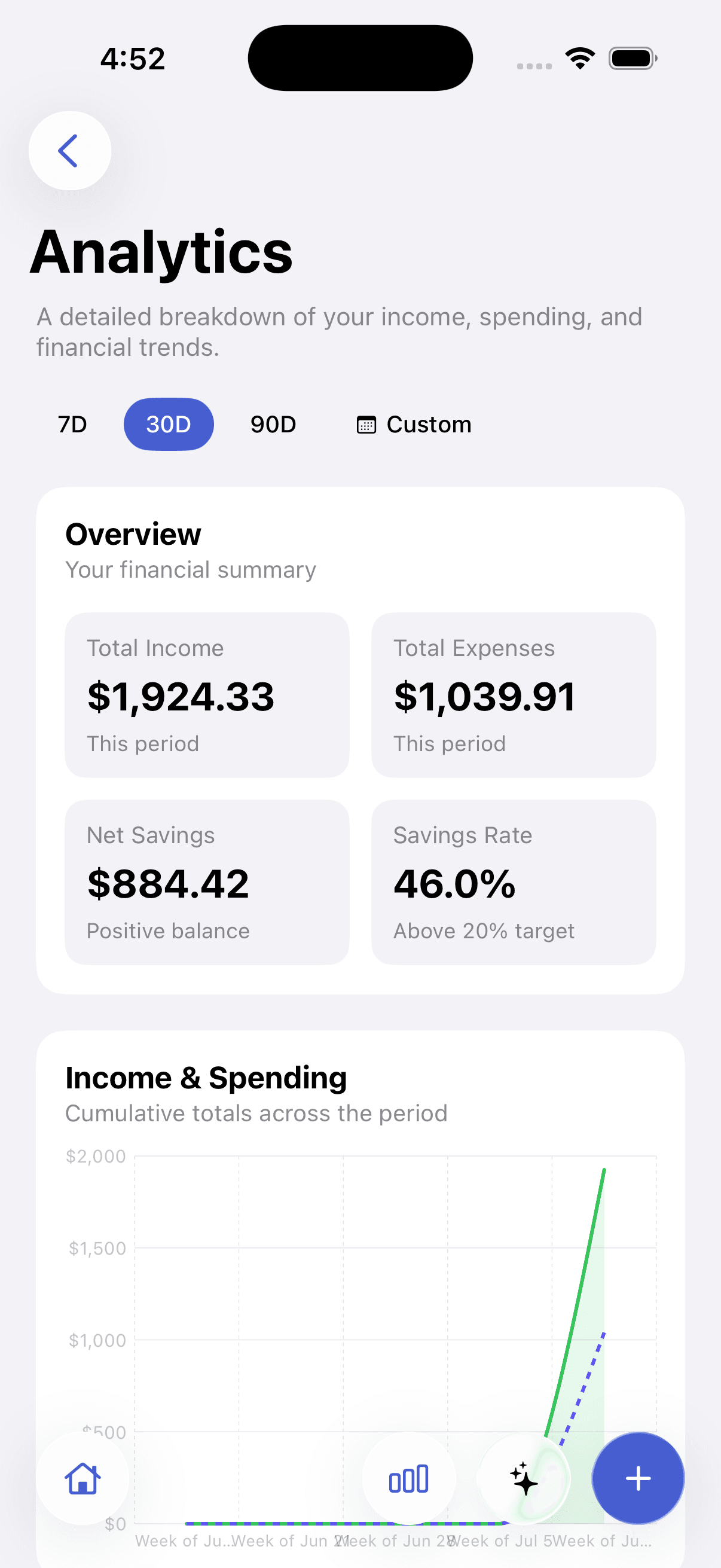
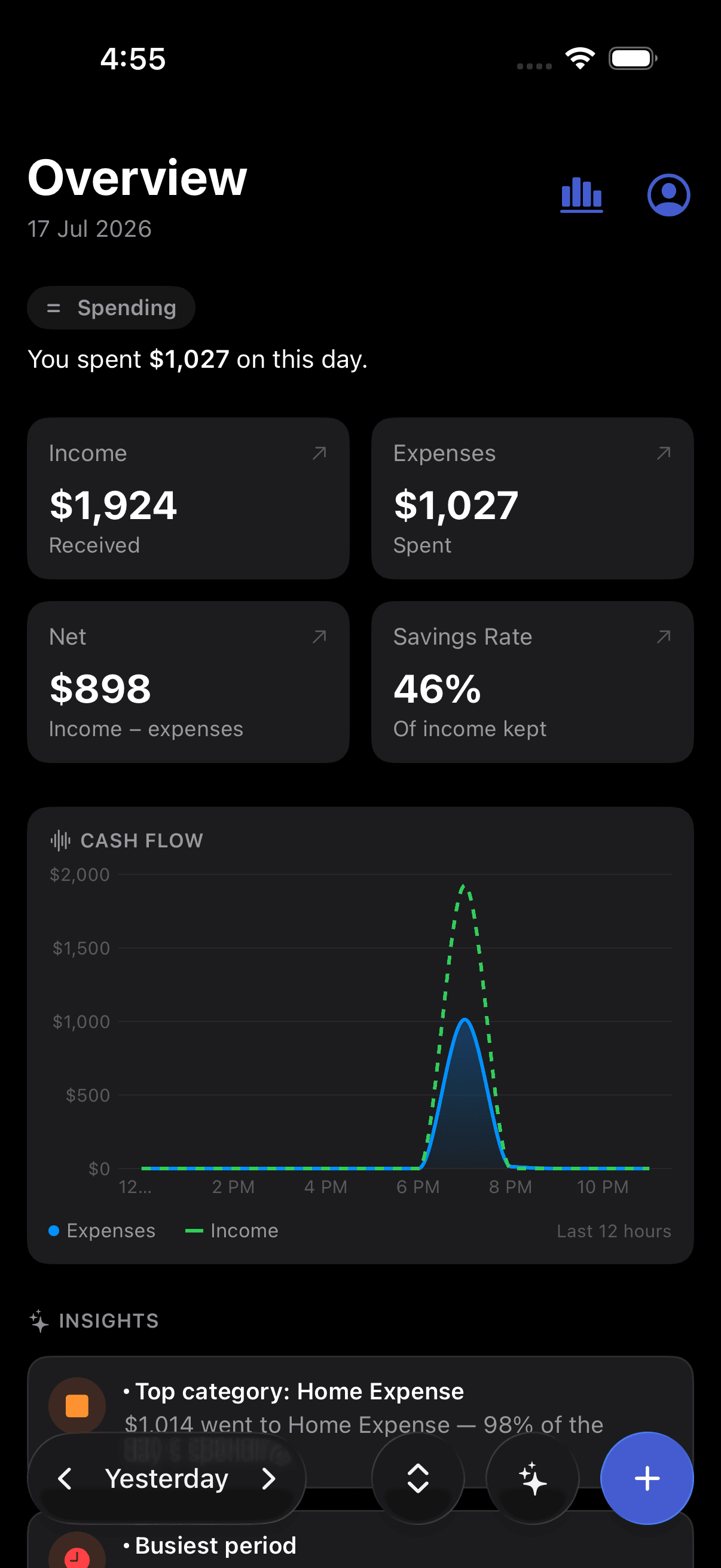
Filter by date range or category and see your income, expense, and net totals instantly.
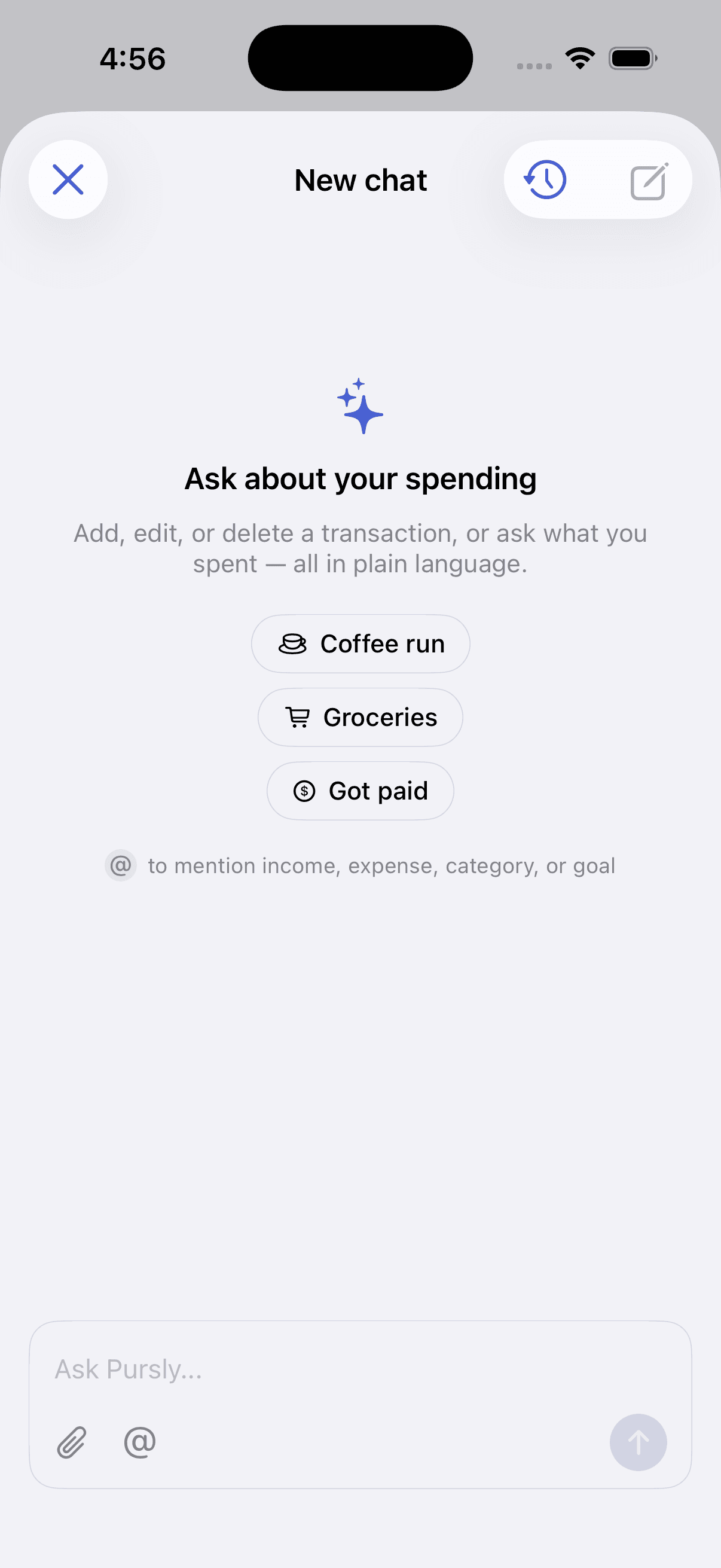
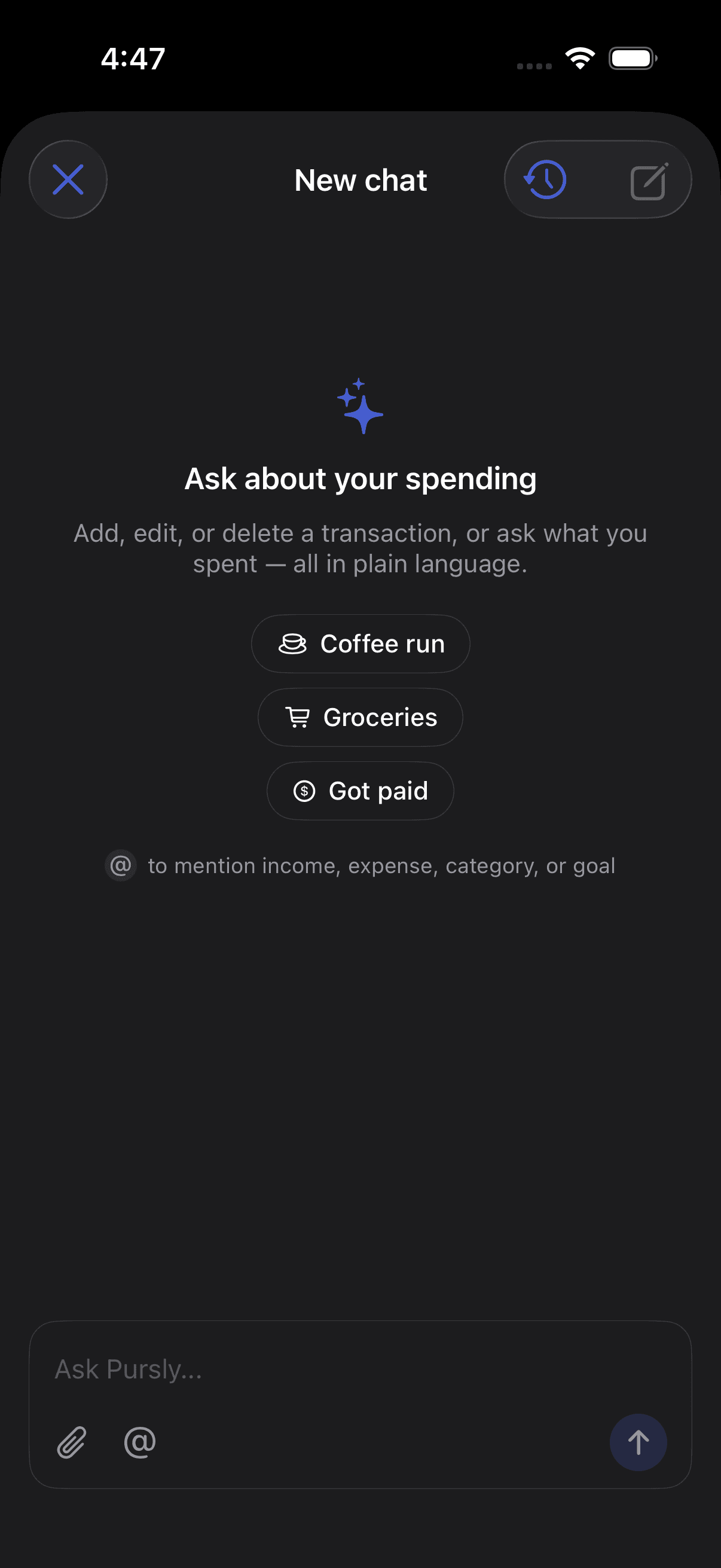
Ask about your spending
Add, edit, or delete a transaction — or ask what you spent — in plain language. Pursly confirms before it changes anything.
Built for iOS
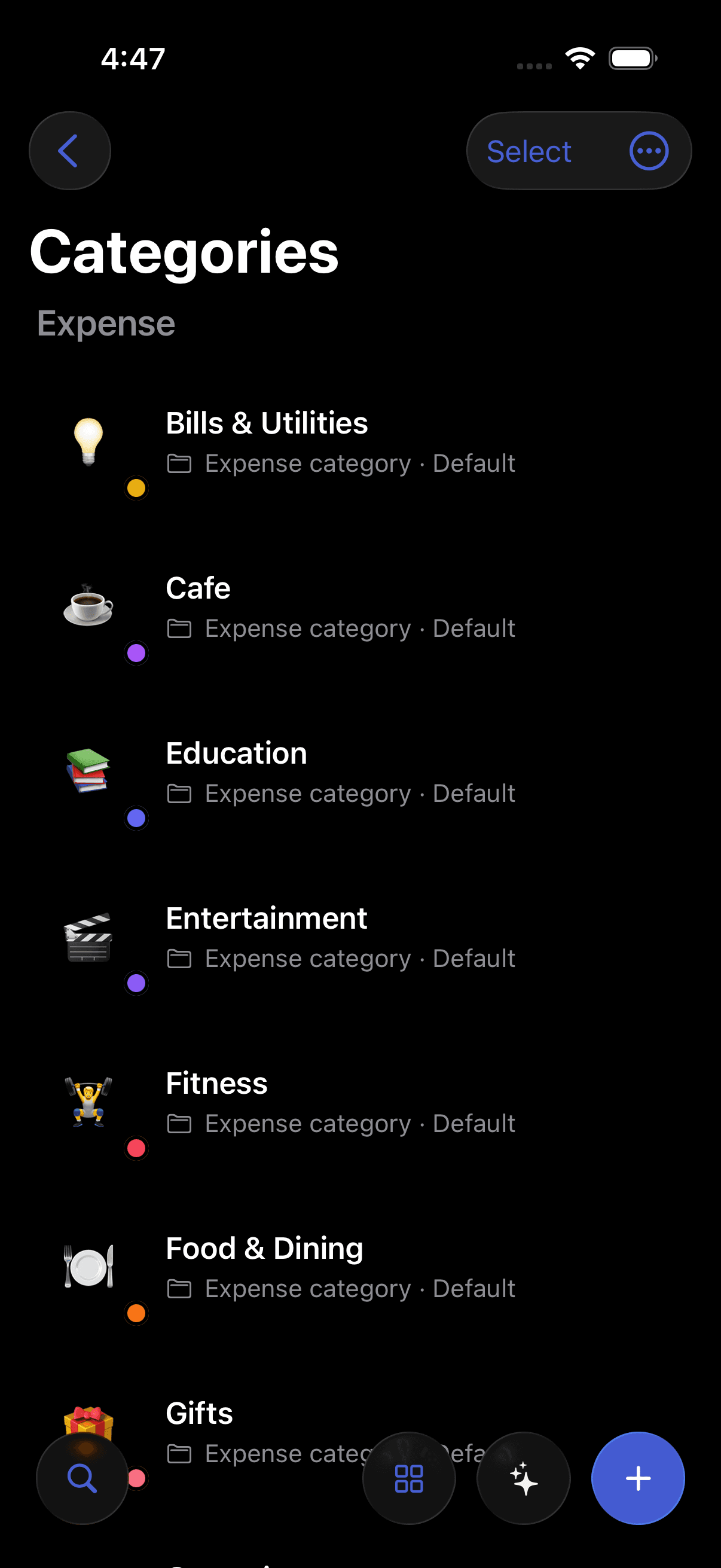
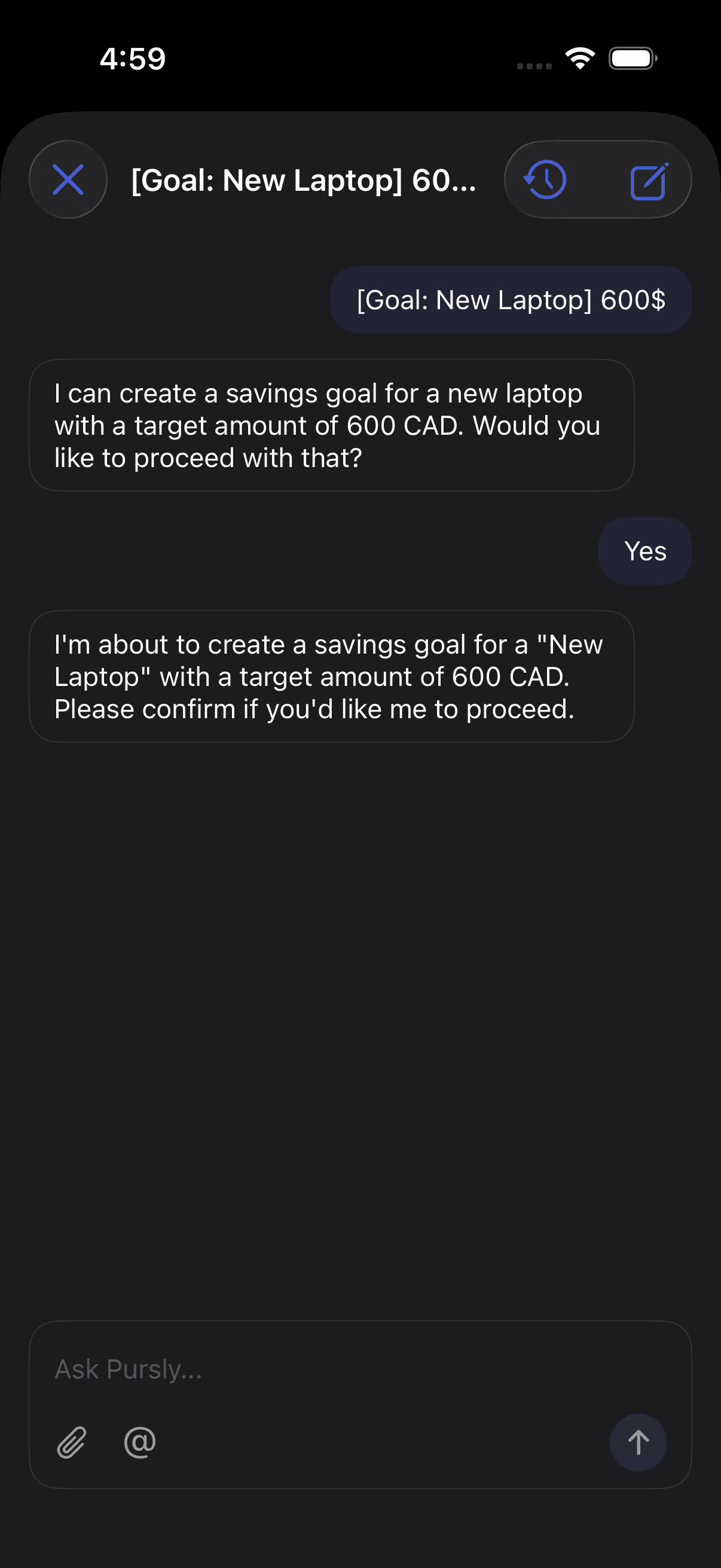
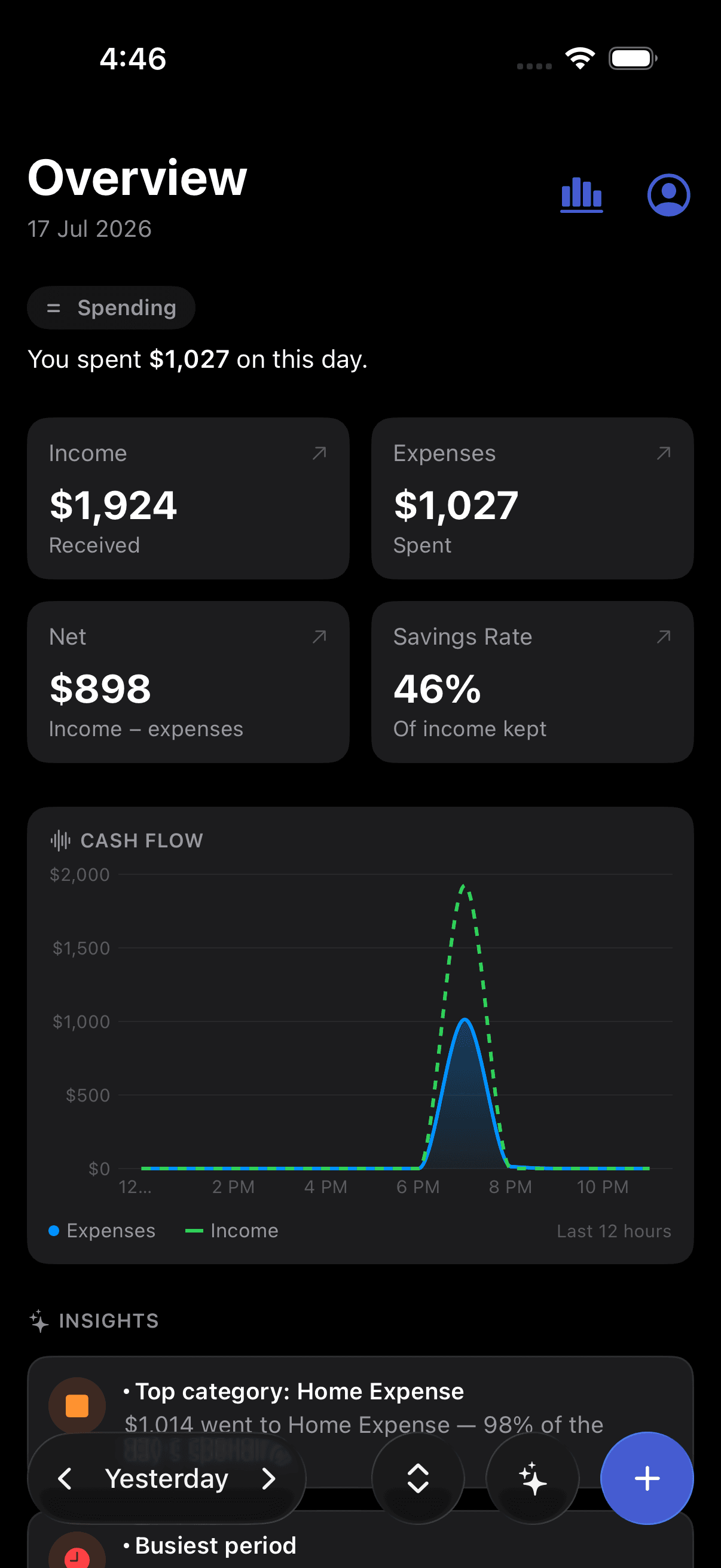
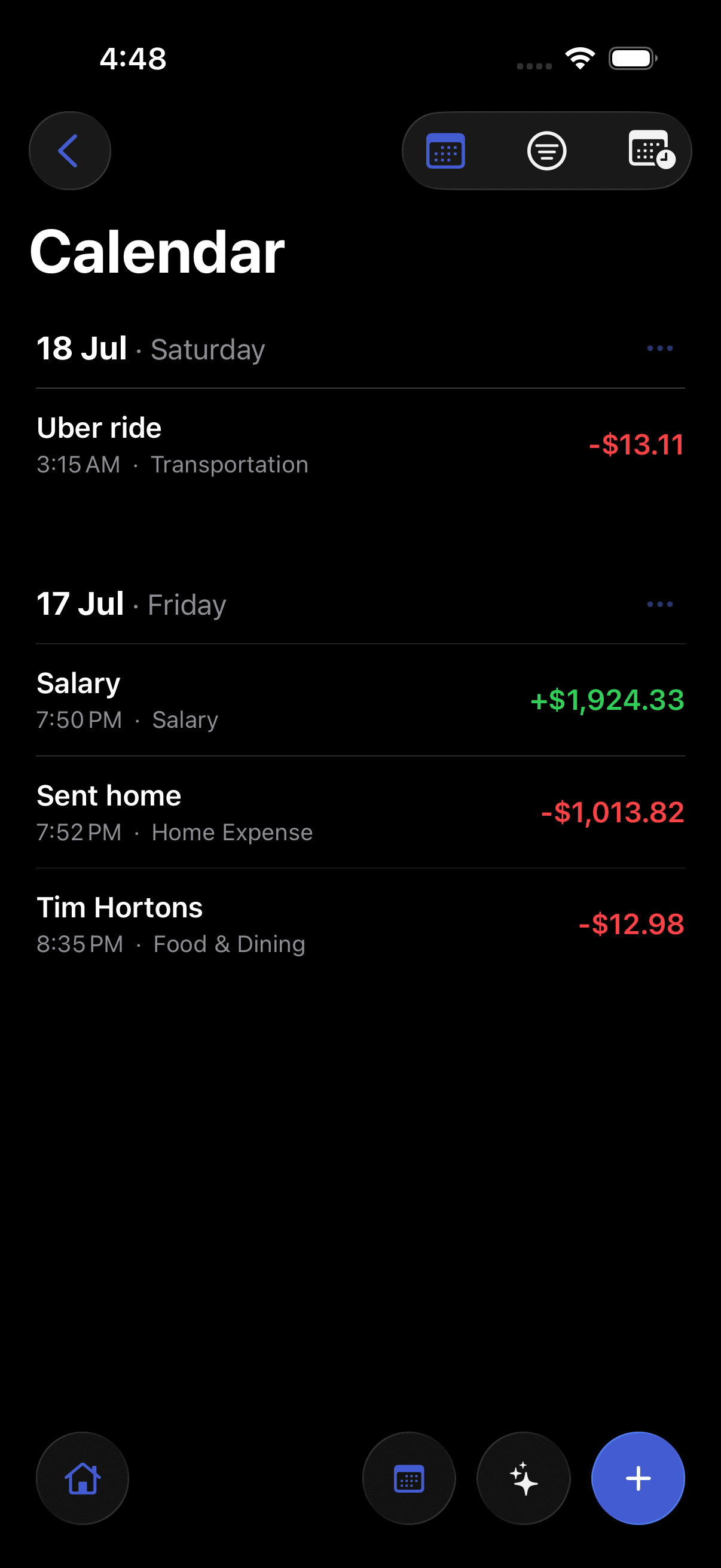
A native SwiftUI app designed around iOS conventions — fast, familiar, and fluid.
Log on the go
Add an expense in seconds from anywhere — no need to open a laptop.
Push notifications
Get savings goals, spending alerts, and weekly summaries without opening the app.
How it works on iOS
Download from the App Store
Grab Pursly on your iPhone. It's a free download and works on iOS 17 and later.
No trial timer, no credit card. Install it and you're ready to log your first expense.
Sign in
Use the same account you use on the web — your data is already there.
Sessions are shared across web and iOS, so anything you log on one shows up on the other.
Log expenses and sync Gmail
Add expenses in seconds, or connect Gmail to pull in receipts automatically.
Pursly reads the amount and title, assigns a category with AI, and keeps your currency intact.
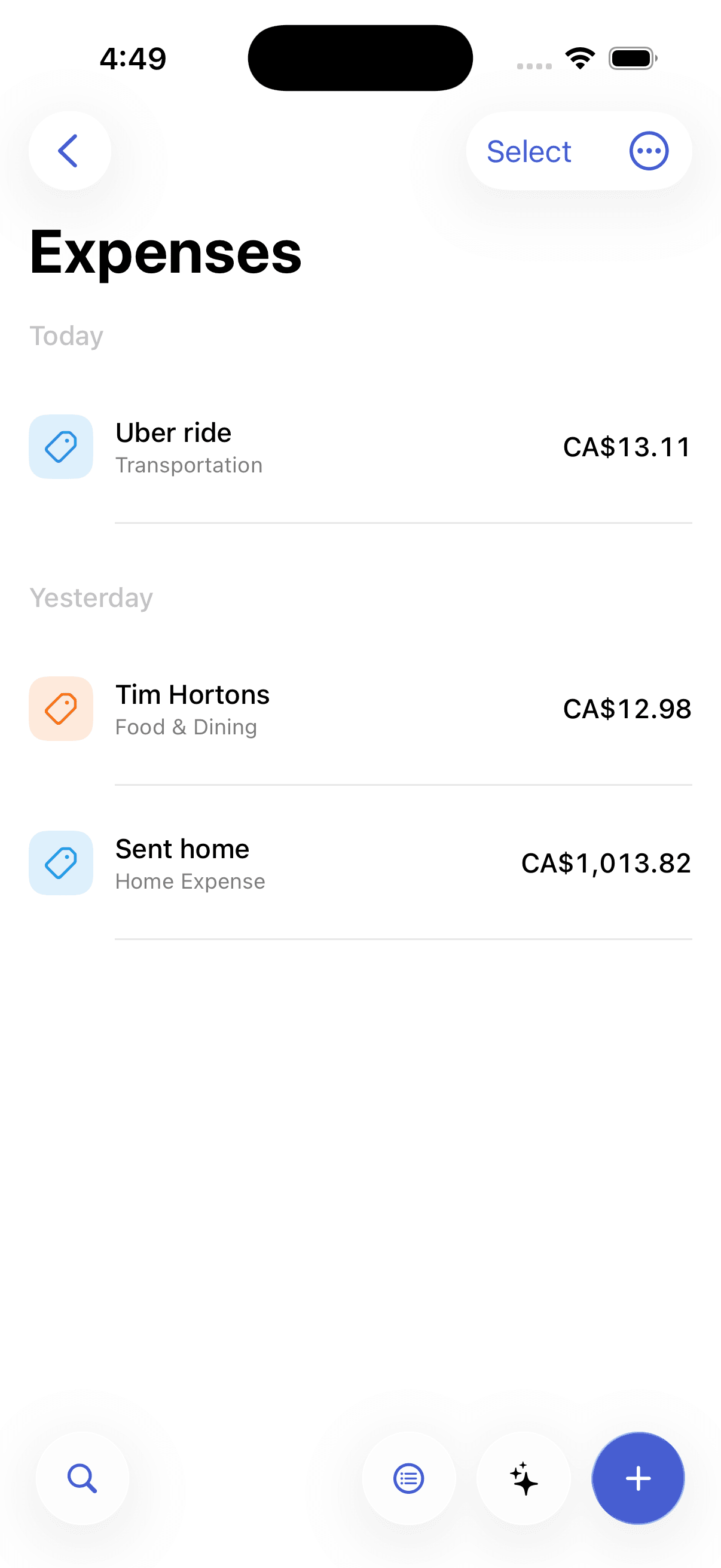
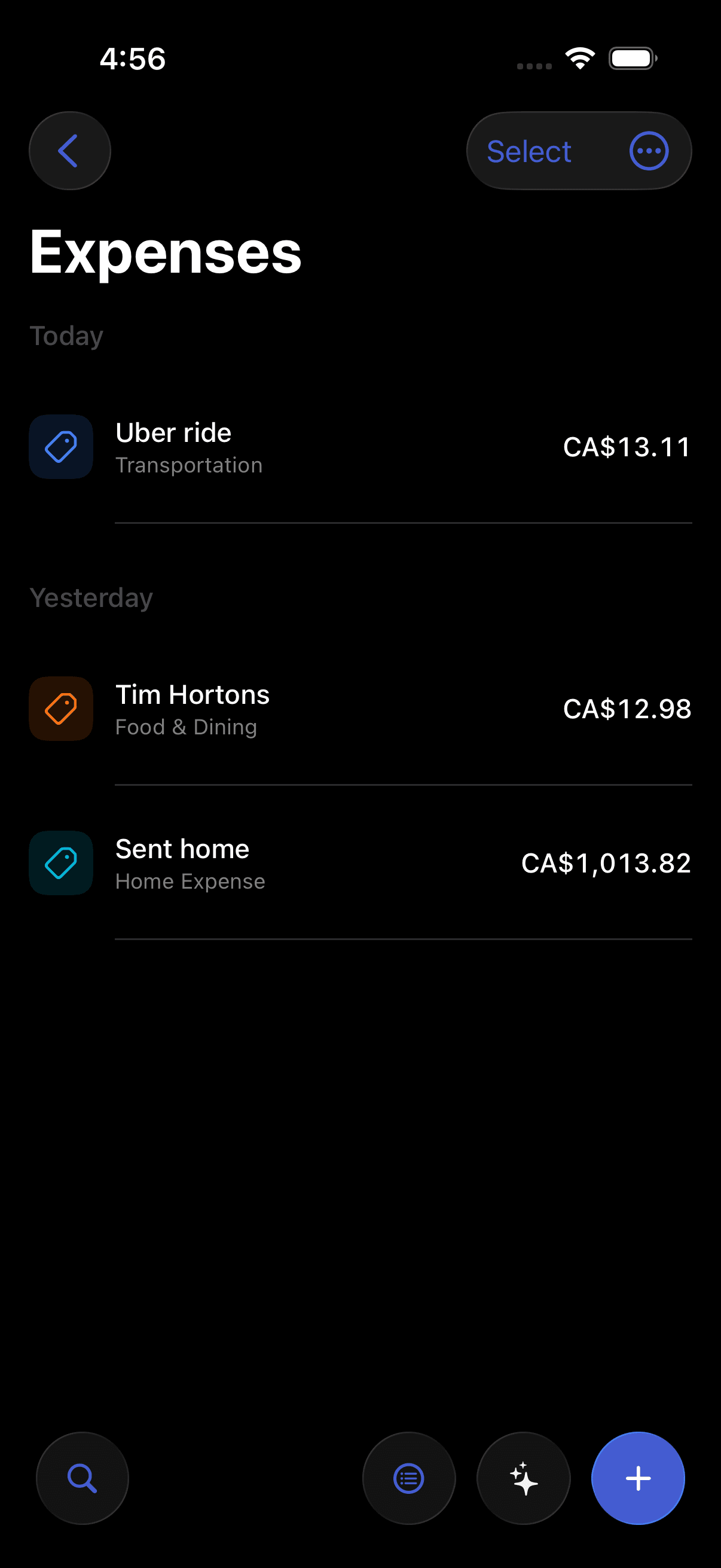
Review and filter
Check your insights, then narrow by date range or category to see the totals that matter.
Income, expense, and net update as you filter — the same numbers you'd get on the web, in your pocket.
A look around the app